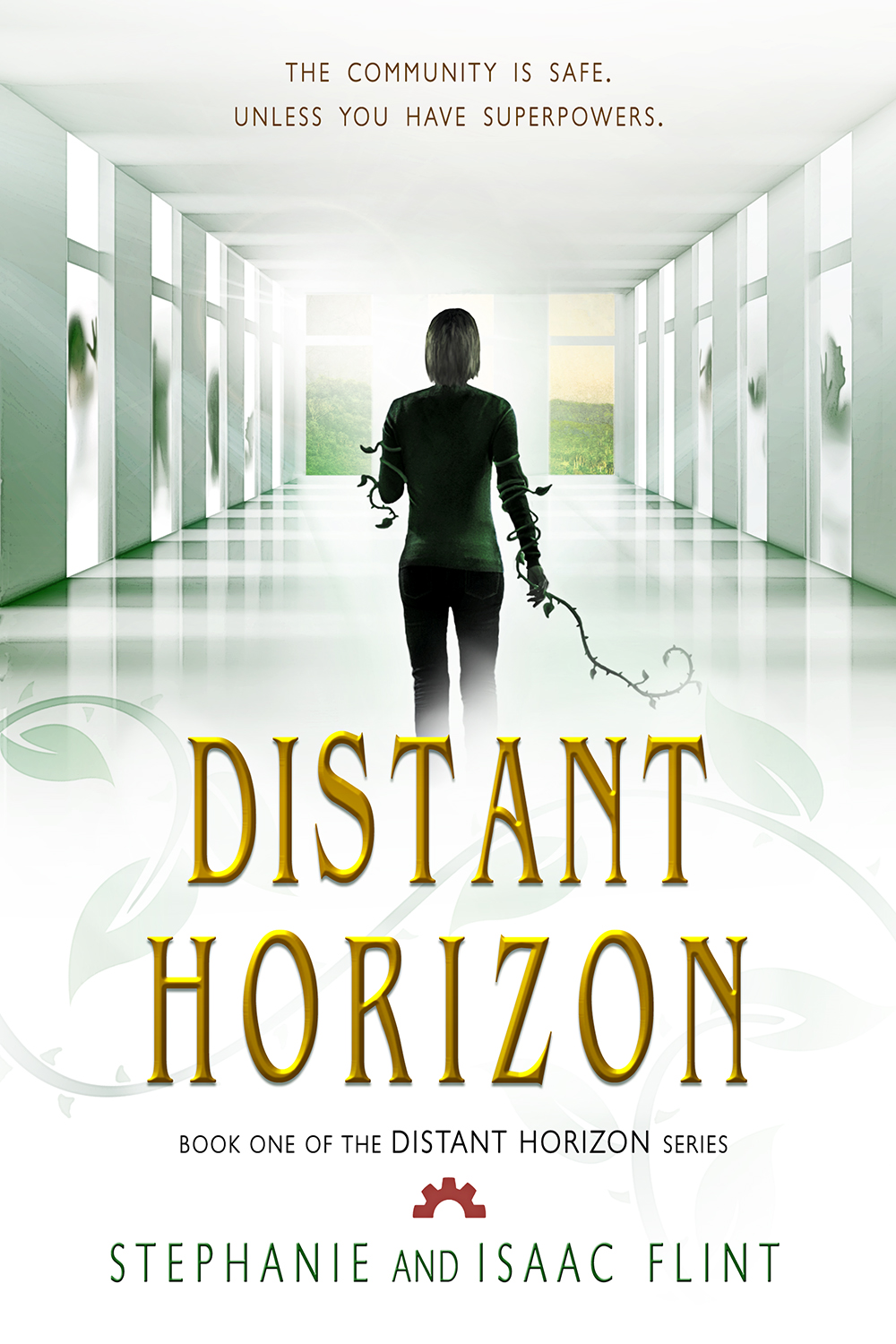
So it turns out you can’t have two pen names linked to a single Smashwords account. The result is that I’d either have to create a second account for Stephanie Flint, or change all the covers and copyright info on the previous books. Seeing as how I wanted to keep “SBibb” for the account link, I decided to change the covers.
Overall, it might’ve taken a couple hours. Luckily, most of the covers had layering where I was able to just change my last name with a couple modifications, and Photoshop CS6 (loving the new save function) is helpful with doing some easy adjustments. Afterwards, I adjusted all the front matter and bio info on the stories themselves (again, yay for having everything in nearly one place).
I also added tags to each short story that included “SBibb, Stephanie Bibb, Stephanie Flint” to make it easier to find. Search engine optimization (SEO) is important to having your websites and books and such found, so I also included a note about the name change in the long description. I didn’t put it in the short description since I’d rather reserve that space for info about the story itself.
I also linked the “Where to find this book in print” to the1000 Wordsanthology (print edition) on Amazon. Since I don’t want to change the inner covers of the ebook version on Smashwords, I’m unpublishing it there. Kindle allows me (as far as I understand) to keep the older editions of the book the same, while putting my new name on any new books I publish. Therefore, I decided that will not change.
However, one thing I did try to do was make it easier for people to find my work, whether they look it up under Stephanie Bibb or under Stephanie Flint. I imagine it’ll take a little while for my stuff to show up on search engines under the new name, but this way, it should be linked. Also, when I did the book covers, I was careful to make sure the font didn’t change when I switched out the names. That way the quality of the cover remained the same.
Then I went through and made sure that all the edits were in place, and finally changed my profile name on Smashwords itself. I also uploaded my profile picture, taken by my wonderful husband, Isaac. 🙂
Here’s the response I got from Smashwords about the name change, in case anyone else needs to know it:
You have two options:
1. Open a new account for the new name. I wouldn’t recommend this because the books won’t be linked either with us or with the retailers. It’s also a pain to manage two accounts.
2. Here’s a link to the FAQ’s section on changing the author name:
https://www.smashwords.com/about/supportfaq#Updating
Scroll down a bit until you see the section “I’ve decided to change my Pen Name. How to I change it without de-listing my book at retailers?”
Some additional recommendations: A. You should change your profile to the new name, and then update your front matter for all the books so it reads “Copyright New Name 2012” Originally written and published under the maiden name, Old Name
… this will help our vetting team and our retailers understand why the name on the cover doesn’t match the name in the metadata.
B. Also, update the tags, bio and long description so both names are mentioned. This will help make all the books more discoverable if someone’s searching on the old or new name.
So hopefully this is helpful. Meantime, I’ll see if everything transferred over smoothly. If it did, then maybe the premium distribution will start working again soon. 🙂




 Stephanie Flint - Author and Artist